.svg)


.svg)

.jpeg)


Cloud Kitchen POS UAE: What System You Need Before You Launch
Cloud Kitchen POS UAE is one of the first decisions that can either simplify your launch or add unnecessary cost from day one.
Many cloud kitchen operators in the UAE assume they need a full new POS setup before they start. In reality, the bigger question is not whether you need a system, but what that system actually needs to handle in a delivery-only business.
From aggregator orders and payment processing to multi-brand operations and compliance requirements, choosing the wrong setup can create extra hardware costs, manual work, and operational gaps before your kitchen even starts serving orders.
This guide explains what a cloud kitchen in the UAE really needs before launch, which tech layers matter most, and whether you need to invest in new hardware at all.
TL;DR
A cloud kitchen in the UAE is a fully regulated food establishment, with the same compliance rules as any restaurant.
You need 3 core technology layers before launch: order management, kitchen display system, and payment processing with UAE compliance.
You do not need to buy a complicated POS system if you are just starting.
For single-brand cloud kitchens, software-only solutions like Fortis SmartPOS cost AED 990/year on existing hardware.
Multi-brand operators need POS systems with multi-entity support, which requires different solutions.
Building direct order channels via WhatsApp payment links reduces aggregator dependency from day one.
Keep reading for the full cost breakdown, compliance checklist, and which setup matches your operational model.
What Exactly is a Cloud Kitchen in the UAE?
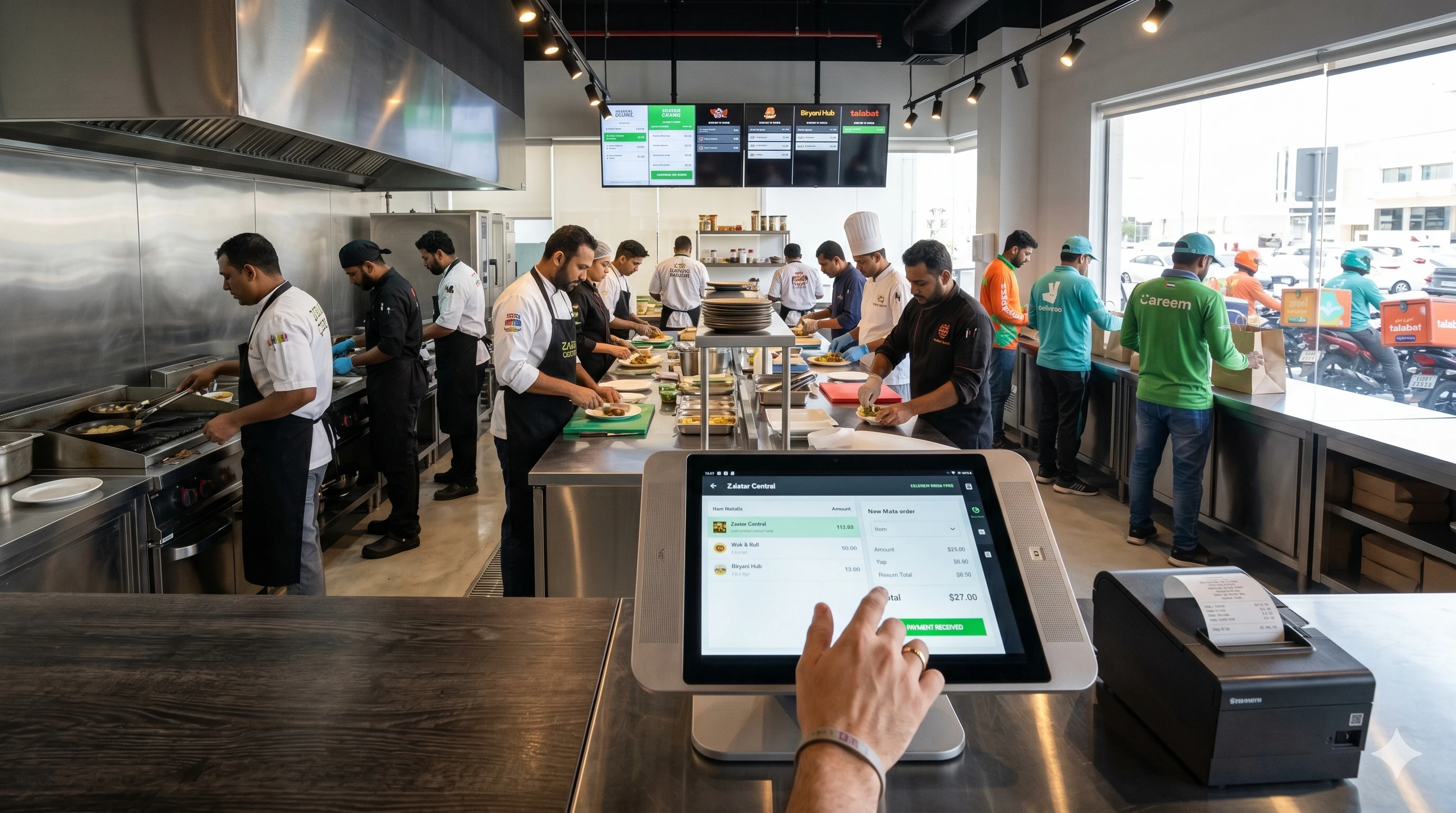
A cloud kitchen, also called a ghost kitchen or virtual kitchen, is a food preparation facility set up exclusively for delivery and takeaway. There is no dining area, no walk-in counter, and no front-of-house team. Orders come in through delivery platforms like Talabat, Deliveroo, Careem, or Keeta, or directly via WhatsApp and payment links.
In the UAE, cloud kitchens operate under the same food safety and licensing framework as traditional restaurants. The Dubai Department of Economy & Tourism (DET) issues the trade license, and Dubai Municipality's Food Safety Department issues the food establishment permit. Both are mandatory before you can receive a single order. The absence of dine-in seating does not reduce the regulatory requirements.
Most operators in Dubai run one of three models:
Single-brand kitchen: One concept, one menu, one licensed facility. The most common starting point for new operators testing market demand.
Multi-brand kitchen: Multiple virtual brands operating from the same approved kitchen. Each brand has its own delivery listings, but food prep happens in one space. This model requires POS systems that can separate sales, costs, and reporting per brand.
Shared/rented kitchen: You operate within a facility that already holds municipality approval. Faster to launch, but you are still accountable for food safety compliance on your side.
Important Note: Your technology stack must match your operational model. Single-brand setups have different requirements than multi-brand operations, and choosing a system designed for the wrong model creates immediate operational friction.
Why Most Cloud Kitchen POS Guides Are Wrong (And Where Operators Waste Money)
The default advice you'll find online follows the same pattern: buy an iPad, install a POS app, connect a receipt printer, and you're ready to go. That setup costs between AED 3,000 and AED 15,000 before you've processed a single order.
Here's what those guides don't tell you.
The hardware assumption is outdated. If you already process card payments in the UAE, you almost certainly have a Network International terminal. That terminal is a fully functional computing device. The assumption that you need to buy a separate iPad or tablet to run your POS is a holdover from a time when payment terminals were dumb devices. They're not anymore.
Consumer payment tools create compliance gaps. Some operators start by collecting payments through personal PayPal accounts, Stripe links not registered to their UAE business, or WhatsApp transfers to personal bank accounts. Every one of these transactions creates exposure during a UAE Federal Tax Authority (FTA) audit. The FTA requires VAT-compliant invoices for every transaction. Consumer payment tools don't generate these. When your accountant asks for your transaction records at year-end, you'll be manually reconstructing sales data from screenshots and bank statements.
Aggregator integration doesn't mean what you think it means. When a POS vendor says they integrate with Talabat and Deliveroo, what they usually mean is they have a middleware layer that pulls orders into the POS. That middleware is a separate cost, often a separate vendor, and always a separate integration. Your POS handles what happens after the order arrives: recording the sale, updating your records, and generating reports. It does not control your aggregator menu, pricing, or availability. Those still live on the aggregator's platform.
The result is that most cloud kitchen operators end up with a tech stack that costs more than necessary, creates manual reconciliation work, and leaves compliance gaps that become problems during tax season.
The 3 Core Technology Layers Every Cloud Kitchen Needs
Before your first order goes out, three technology layers must be in place. Miss any one of them, and you'll be compensating manually during the worst possible time: service hours.
Layer 1: Order Management System
Everything runs through your order management system. Orders from aggregators, walk-in pickup, direct WhatsApp orders — they all need to land in one place, be routed to the kitchen, and generate a record for reporting and compliance.
Your order management system needs to handle:
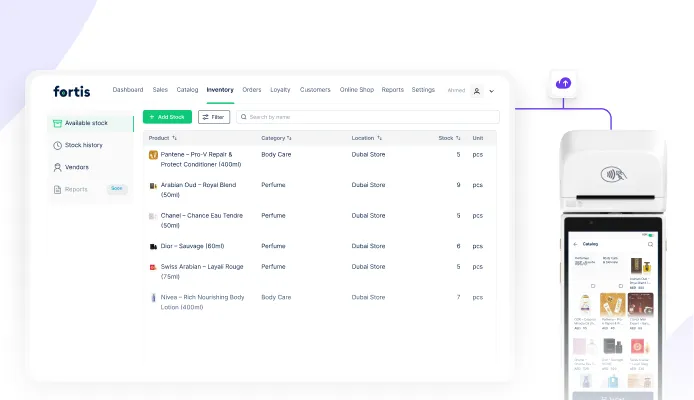
Product catalog management. Every menu item, modifier, and pricing option should be stored in one place. When you update a price or mark an item as sold out, that change should propagate everywhere.
Multi-channel order intake. Orders coming from Talabat, direct payment links, and phone orders should all record in the same system. Manual order entry creates errors and slows down service.
Real-time menu updates. When you run out of an ingredient at 7 PM on a Friday, you need to mark items as unavailable immediately, not wait until tomorrow morning to update five different platforms.
Sales recording and reporting. Every transaction needs a timestamp, order details, payment method, and VAT calculation. This is not optional. The FTA requires it, and your accountant needs it.
If your order management system requires you to manually enter orders from different channels, or if you're tracking sales in a spreadsheet at the end of each day, you don't have an order management system. You have an expensive calculator.
Layer 2: Kitchen Display System (KDS)
A KDS replaces printed kitchen tickets with a screen that shows incoming orders in real time, tracks preparation status, and helps staff prioritize during peak hours.
In a delivery-only model where speed and accuracy directly affect ratings on Talabat and Deliveroo, a KDS is not optional. It's the operational difference between a 4.8-star and a 3.2-star rating.
Here's why printed tickets fail in cloud kitchens:
No prioritization. When ten orders come in during a fifteen-minute window, printed tickets don't tell you which order is for a 20-minute delivery slot and which one has a 45-minute window. Your staff guesses. Your ratings suffer.
No prep time tracking. You don't know how long each item actually takes to prepare. You can't identify bottlenecks. You can't optimize your process.
No coordination across stations. If your kitchen has a grill station, a fryer station, and a plating station, printed tickets don't coordinate timing. Items sit under heat lamps while you wait for the rest of the order to finish. Food quality drops. Delivery times increase.
A proper KDS solves all three problems. Orders appear on screen with prep time targets. Staff can see what's coming next. The system tracks how long each station takes and where delays happen. You get data you can actually use to improve operations.
Layer 3: Payment Processing
One way you can collect payments is through aggregators, however, if you are handling payments on your own then you can either do it online or you can send payment links to your customers.
Layer 4: Transaction insights and pattern recognition.
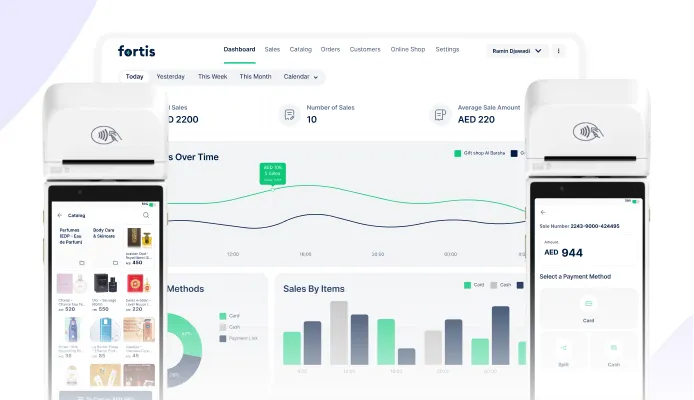
Your payment system should show you more than daily sales totals. You need to see peak transaction hours, average transaction value by time of day, payment method preferences (card vs digital wallet), and order frequency per customer.
These insights answer operational questions:
- Which hours generate the most revenue?
- What's your average transaction value?
- How many customers order once vs multiple times? (Identify retention opportunity)
- Which payment methods do customers prefer? (Optimize checkout flow)
The 7 Non-Negotiables for a Cloud Kitchen POS
When you evaluate POS systems, these seven requirements determine whether a system will work for your operational model or create friction.
1. Hardware Requirements
If you are just starting your cloud kitchen, you can save the hardware cost by opting for simplified POS systems. If your kitchen already has a card machine, then you can convert it into a complete POS solution with Fortis SmartPOS. Buying a separate iPad or tablet adds unnecessary cost and creates a second device to manage.
2. UAE Compliance Built-In
VAT invoicing must be automatic. The system should generate FTA-compliant receipts for every transaction, calculate and display VAT, and store records for five years. Manual VAT calculation creates errors and audit risk.
3. Payment Link Generation
You need to generate payment links directly from the POS, not through a separate third-party service. The workflow should be: create order, generate link, share via WhatsApp, customer pays, order records automatically. If payment links require manual entry into your POS, they would just be hard to track.
4. Customer Database Capture
Every transaction should automatically capture customer phone numbers and order history. You're building an asset (customer database) that you own. If your POS doesn't capture this data, you're leaving your most valuable asset on the table.
5. Cloud-Based Reporting
You need to check sales, orders, and performance from anywhere, not just from the kitchen terminal. Cloud-based dashboards let you monitor operations remotely, which is essential if you're running multiple locations or managing operations outside normal hours.
6. Multi-Brand Support (If Applicable)
If you're running or planning to run multiple brands, your POS must handle separate sales reporting, menu management, and P&L per brand. Single-brand systems don't scale to multi-brand operations without creating manual reconciliation work.
7. Transparent Pricing
Annual software license pricing should be clear and fixed. Per-transaction fees, monthly support fees, and hidden integration costs add up quickly. If the vendor can't give you a straight answer on total annual cost, walk away.
Operate your Cloud Kitchen With Fortis SmartPOS
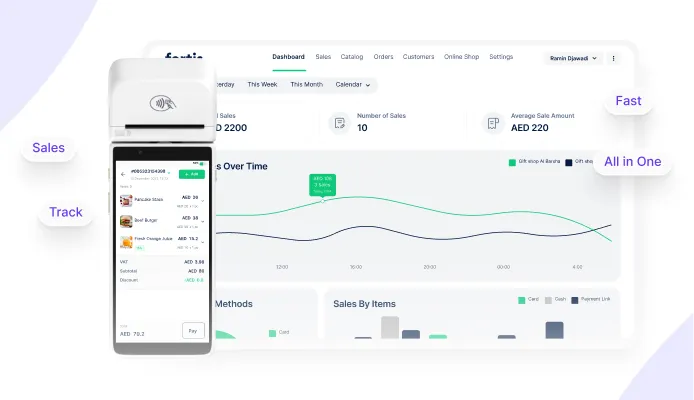
For cloud kitchen operators launching with a single brand and testing market demand, Fortis SmartPOS is designed to eliminate upfront hardware costs while maintaining full UAE compliance.
No New Hardware
Fortis SmartPOS installs directly onto your card machine. If you already process card payments in the UAE, you already have the hardware. Setup takes minutes, not hours. No IT team required. No technician visit. No separate device to manage.
This is the single biggest cost advantage: you're not spending AED 3,000–15,000 on hardware before you've validated demand. You're spending AED 990/year on software that runs on equipment you already own.
Built-In UAE Compliance
Every transaction generates an FTA-compliant VAT invoice automatically. The invoice includes your Tax Registration Number, itemized VAT calculation, and transaction timestamp. Records store in the cloud for five years, satisfying FTA retention requirements. When your accountant requests sales records for quarterly VAT filing, you export a report. You don't reconstruct sales data from receipts and bank statements.
Direct Order Channels via Payment Links
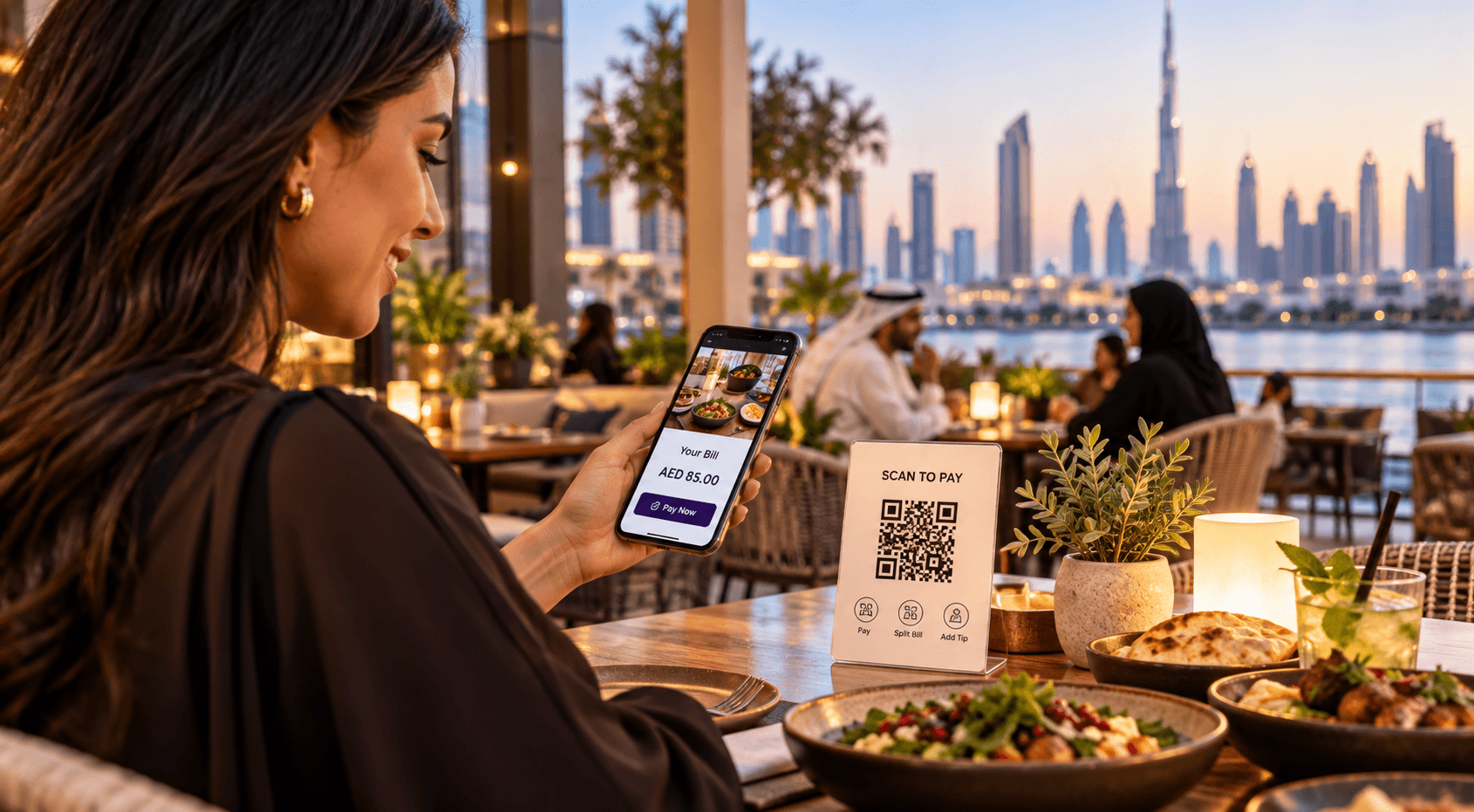
Fortis SmartPOS includes built-in payment link generation. The workflow: create an order in the POS, tap "Generate Payment Link," share via WhatsApp. Customer pays from their phone. Transaction records automatically in your dashboard. Customer information (phone number, order history) captures automatically.
This is how you build a direct reorder channel that doesn't cost 25% commission per transaction. You own the customer relationship. You own the data. You own the economics.
Customer Database
Every order captures customer phone numbers automatically. Over time, you build a database of repeat customers. When you want to announce a new menu item or run a promotion, you have a direct channel. No aggregator intermediary. No rented access. You own the list.
Cloud-Based Dashboard
Your sales, orders, and performance data are accessible from any device with internet access. You don't need to be in the kitchen to check how the day is going. You can monitor operations from home, from another location, or while traveling.
Transparent Pricing
AED 990/year for the first device (software only). AED 390/year for each additional device.
Who This Setup Is For
Fortis SmartPOS works best for:
Single-brand cloud kitchens launching with one concept and validating market demand before scaling.
Businesses building direct order channels alongside aggregator operations and want to own customer relationships.
SMEs optimizing for cost and speed during the launch phase.
Who This Setup Is Not For
Fortis SmartPOS is designed for single-brand operations. If you're running or planning to run multiple brands from one kitchen with separate P&L per brand, you need a multi-entity POS system. Fortis supports multi-location operations (one brand across multiple kitchens) but not multi-brand operations (multiple brands from one kitchen).
Large enterprise chains with complex ERP integrations or businesses not using UAE-based payment infrastructure will need different solutions.
Three Scenarios: Which Setup Is Right for Your Cloud Kitchen?
Scenario A: Single Brand, Testing Phase
- You have one concept, one menu, and you’re starting on Talabat or Deliveroo to validate demand.
- What you need: Fortis SmartPOS on your existing on your existing card machine without any hardware. The SmartPOS handles your product catalog, inventory sync after every order, and real-time sales reports.
- Cost: AED 990/year. You’re live within minutes of setup.
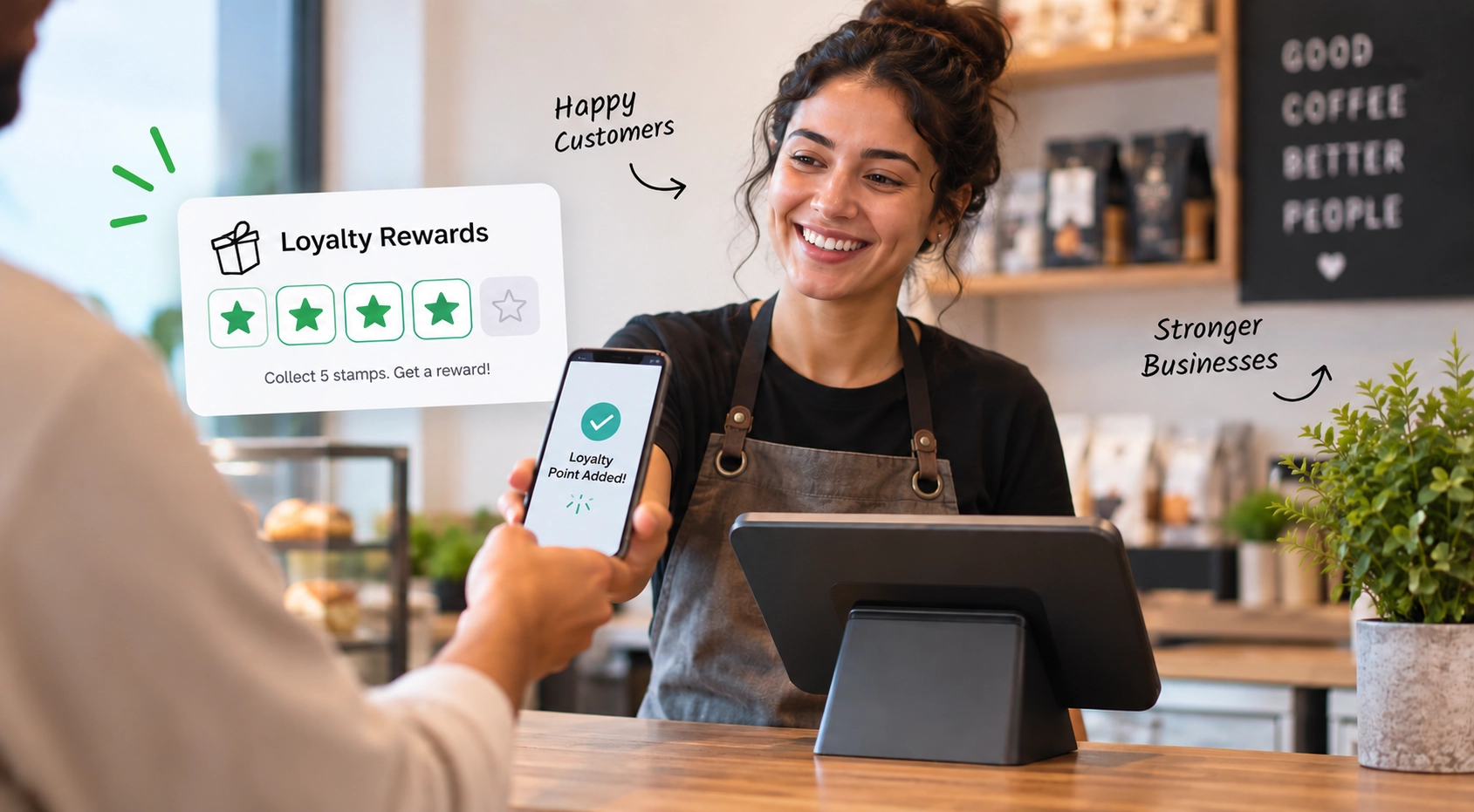
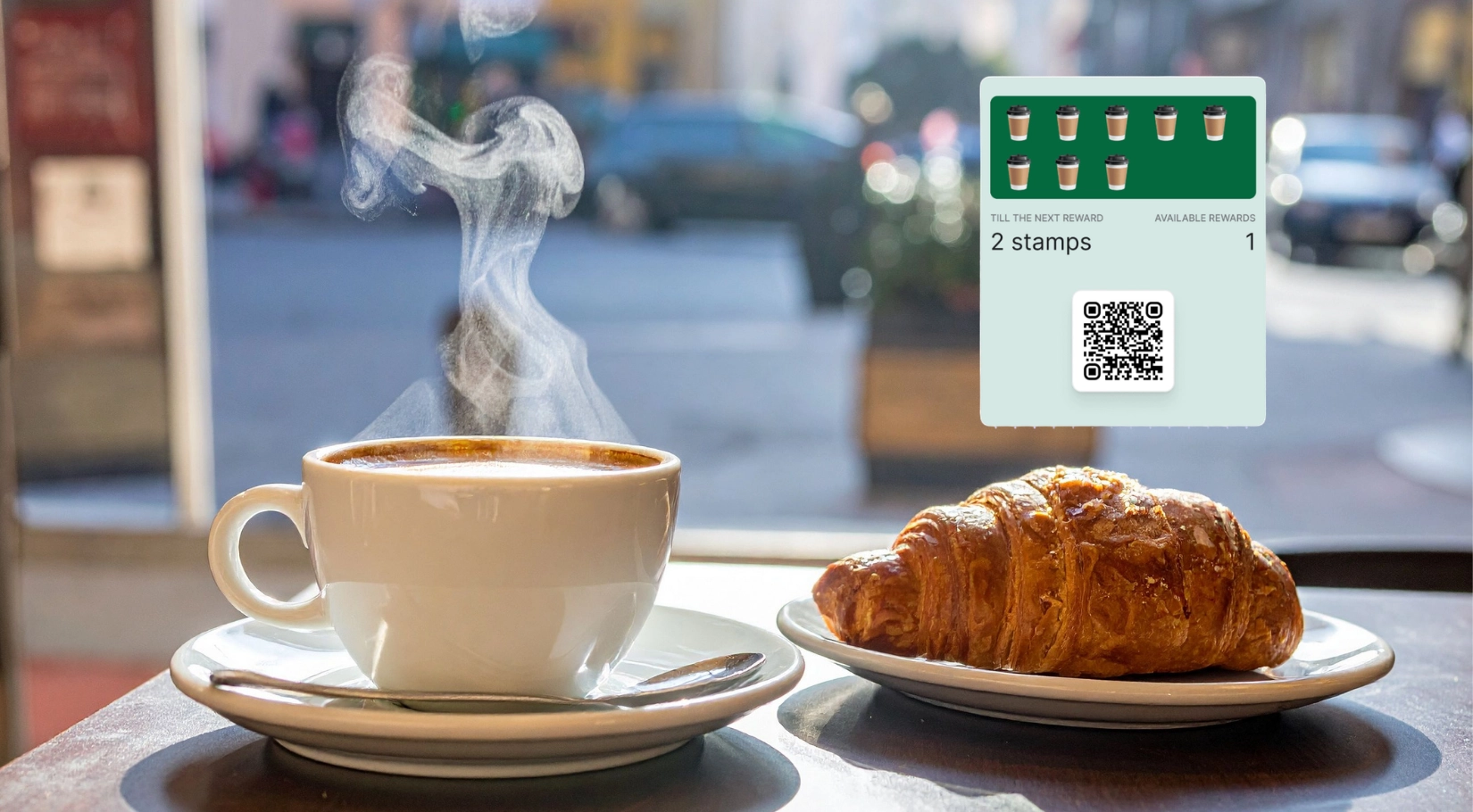
- When to expand: Once you’re hitting consistent order volume, add loyalty enrollment and payment links for direct orders.
Scenario B: Multi-Brand Kitchen
- You’re running two or more virtual brands from one licensed kitchen.
- What you need:You can choose enterprise level POS systems that can show you reports showing you exactly which brand is profitable and which one needs repricing or a menu change.
- Bonus: Each brand can have its own loyalty program, or they can share one program, your choice.
Scenario C: Building a Direct Channel Alongside Aggregators
- You want to reduce your aggregator commission exposure by building a direct reorder channel.
- What you need: Fortis SmartPOS + Payment Links
- Payment links let customers reorder via WhatsApp without going back to Talabat.
- Every direct order records automatically in your POS, same dashboard, same VAT invoicing, no manual reconciliation.
FInal Words
The right setup depends entirely on whether you're running a single brand or multiple brands from your kitchen. Single-brand operators launching their first concept can start with software-only solutions like Fortis SmartPOS and avoid unnecessary hardware costs while maintaining full UAE compliance. Multi-brand operators need enterprise-level systems that separate P&L per brand from day one.
The most expensive mistake is choosing a system designed for the wrong model and spending six months working around its limitations through manual processes. Start with the technology that matches your current operational reality, not the one you think you might need two years from now.
FAQ
Can I run a cloud kitchen in Dubai from home?
No. Dubai Municipality does not allow food preparation from residential properties. You must operate from a licensed commercial kitchen or a shared facility that already holds municipality approval.
How much does it cost to open a cloud kitchen in Dubai?
Typically AED 30,000 to AED 150,000 total setup cost. Shared kitchens cost less (no fit-out required). Private kitchens cost more due to licensing, equipment, and fit-out expenses. Your POS should be one of the smallest line items: software-only solutions cost AED 990–3,000/year depending on features.
Can I run multiple brands from one cloud kitchen?
Yes, from a licensing and operational perspective. Multiple brands can operate from one licensed facility if activities are approved by Dubai Municipality. However, this model requires a POS system with multi-entity support. Single-brand POS systems don't separate sales and P&L per brand without manual work.
Do I need a POS if I only use Talabat?
You can start without one, but it limits your operations significantly. You'll manage orders manually, lack transaction records for VAT compliance, and can't build a customer database. A POS becomes necessary as order volume grows and especially when you want to build direct order channels outside aggregators.
How do I collect payments directly from customers?
Use payment links shared via WhatsApp or Instagram. Customers pay instantly from their phone, no app download required. Payment links must generate VAT-compliant receipts and run through CBUAE-regulated payment processors (like Network International) to avoid compliance gaps.
Do I need a mainland license or free zone?
In most cases, mainland. Food preparation and delivery operations require Dubai Municipality approvals, which are tied to mainland jurisdiction. Free zones are more suitable for trading activities, not food preparation operations.
Ready to launch your cloud kitchen with compliant, cost-effective technology? Learn more about Fortis SmartPOS for single-brand operations, or explore our F&B solutions to see which setup matches your operational model.