.svg)


.svg)

.jpeg)


Opening your first restaurant, café, or food business comes with a long list of decisions. Some feel exciting such as menu design, branding, interiors. Others feel purely functional but turn out to be just as important. Choosing a restaurant POS system often falls into the second category.
Most first-time restaurant owners don’t realise this at the start, but your POS system quickly becomes one of the most used tools in your business. It’s there during the morning setup, the lunch rush, staff changes, peak hours, and end-of-day reconciliation. If it works smoothly, you barely notice it. If it doesn’t, you feel it immediately.
So what exactly is a POS system for a restaurant and how do you choose the right one without overcomplicating things from day one?
This guide explains what a restaurant POS system is, how it works in practice, the different types available, and what experienced restaurant owners often wish they had known earlier.
What is a POS system for a restaurant?
A POS system for a restaurant (Point of Sale system) is the technology used to take orders, accept payments, and track sales.
At a basic level, a restaurant POS system allows you to:
- Enter customer orders
- Accept payments (card, contactless, mobile wallets, sometimes cash)
- Manage your menu and pricing
- Record every sale automatically
- View daily sales and performance reports
In reality, the POS system does much more than process transactions. It becomes the operational backbone of the restaurant and ends up shaping how fast staff work, how confident they feel during busy periods, and how clearly owners can see what’s actually happening in the business.
A simple but important way to think about it:
A restaurant POS system is not just a payment tool; rather it’s a system that shapes speed, accuracy, staff confidence, and decision-making from day one.
How does a restaurant POS software work?
A restaurant POS (Point of Sale) system is the operational brain of your restaurant.
Yes, it takes payments, but more importantly, it connects orders, staff, kitchen, inventory, customers, and money into one workflow.
Think of it like this:
If your restaurant were a body, the POS is the nervous system that connects everything.
A typical restaurant POS system has two sides:
A. Front-of-House (What staff use daily)
- POS terminal (tablet, touchscreen, or smart card machine)
- Order-taking screen
- Payment processing (card, contactless, cash)
- Receipt & invoice generation
B. Back-of-House (What owners/managers use)
- Cloud dashboard (web or app)
- Sales & performance reports
- Menu & price management
- Staff access & permissions
- Inventory & customer data
Both sides talk to each other in real time.
Here is how the system works:
1. Orders Are Taken and Recorded Digitally
When a customer places an order, the staff enters it into the POS system:
- For table service, the order is linked to a specific table
- For counter service, the order goes directly to payment
- For mobile ordering, staff can take orders anywhere in the restaurant
Each order is automatically time-stamped and assigned to a staff member, creating a clear digital record of every sale.
2. Orders Go Straight to the Kitchen
As soon as an order is placed, the POS sends it directly to the kitchen. This can happen through:
- A kitchen display screen (KDS), or
- A kitchen printer that prints tickets by section (grill, bar, desserts)
3. Payments Are Processed and Tracked
When it’s time to pay, the POS system handles and records all payment types, including:
- Card and contactless payments
- Cash payments
- Split bills
- Tips and partial payments
Even when customers pay in cash, recording the payment through the POS is important. This ensures your sales reports are accurate and your revenue is fully tracked.
4. Sales Data Is Updated Automatically
Every transaction updates your restaurant data in real time. The POS system automatically records:
- Total sales
- Payment breakdown (cash vs card)
- Best-selling and low-performing items
- Staff-wise sales
- Peak hours and busy days
What are Some Common Features of a Restaurant POS Software?
While restaurant POS systems can vary in complexity, most modern systems include a core set of features designed to help you run daily operations smoothly. These features work together to manage orders, payments, staff, and business insights all from one system.
1. Menu and Order Management
At the heart of any restaurant POS is menu and order management. This allows you to set up your menu with items, prices, add-ons, and modifiers, and take orders digitally instead of writing them down. Orders can be linked to tables, counters, or takeaway, and are sent directly to the kitchen. This reduces mistakes, speeds up service, and ensures every order is properly recorded.
2. Payment Processing
Restaurant POS systems support multiple payment types, including card, contactless, and cash. They can also handle split bills, partial payments, tips, and service charges. Every payment, including cash is logged in the system, which helps keep your sales data accurate and makes end-of-day reconciliation much easier.
3. Kitchen Communication
Most POS systems automatically send orders to the kitchen through a kitchen display screen or a printer. Orders can be routed to different sections, such as grill, bar, or desserts. This improves coordination between front-of-house and kitchen teams and reduces delays caused by miscommunication.
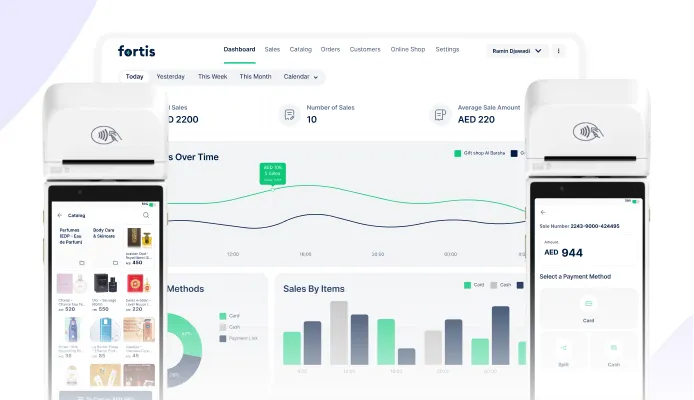
4. Sales Reporting and Analytics
A POS system automatically generates reports that show how your restaurant is performing. You can see daily and monthly sales, payment breakdowns, best-selling items, peak hours, and average order value. Instead of guessing what works, you get clear data to help you make smarter decisions.
5. Staff Management and Permissions
Restaurant POS systems allow you to create staff profiles and control what each employee can access. You can track which staff members took which orders, monitor sales by shift, and limit sensitive actions like refunds or discounts, which improves accountability and reduces misuse.
6. Inventory and Stock Tracking
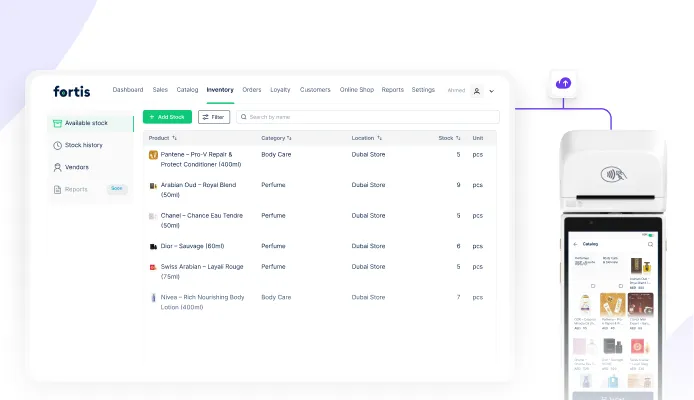
Many POS systems can track ingredient or item stock as sales happen. When an item is sold, the system updates inventory automatically, which helps prevent running out of popular items, reduces waste, and makes stock planning easier, especially for busy restaurants.
7. Customer Data and Loyalty
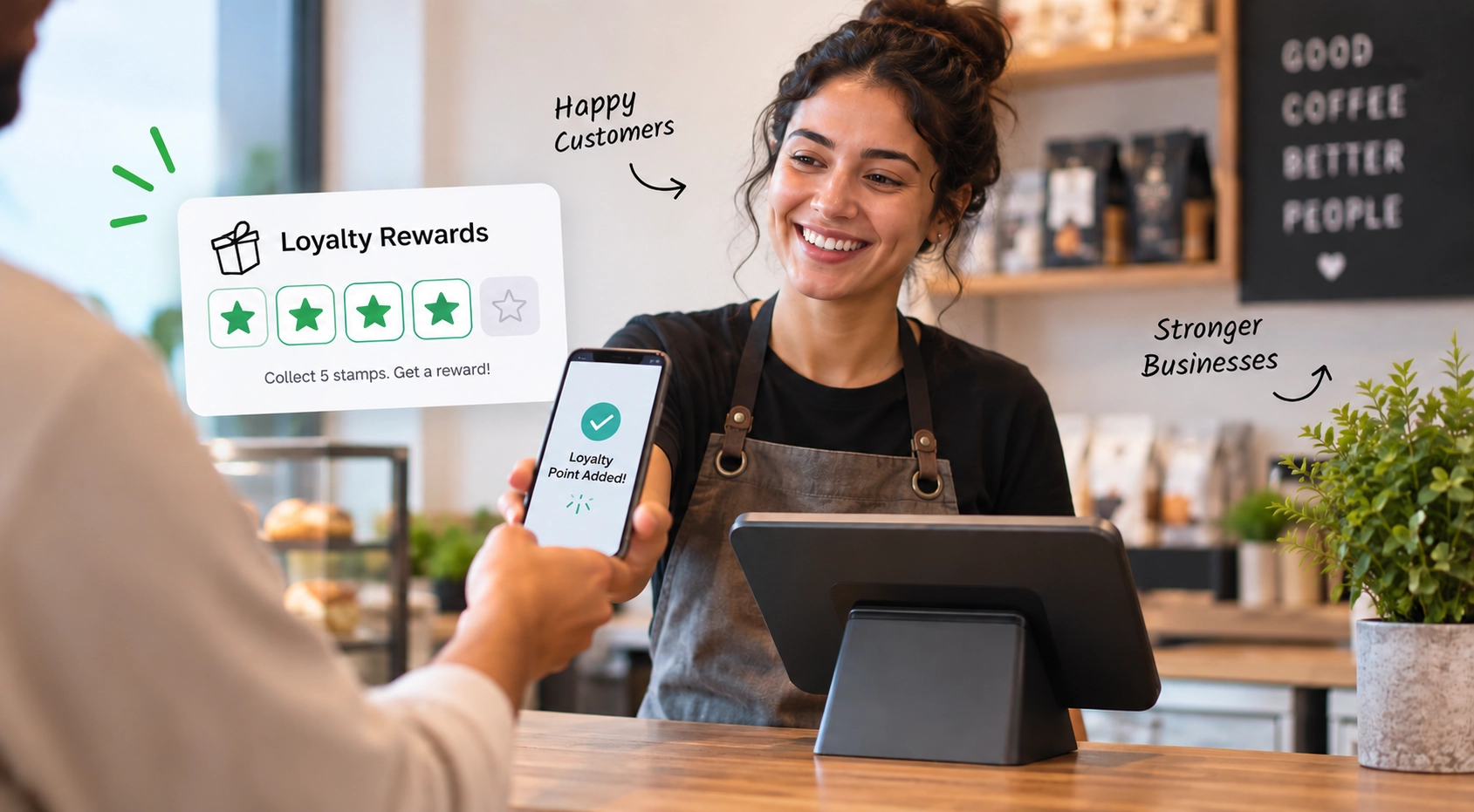
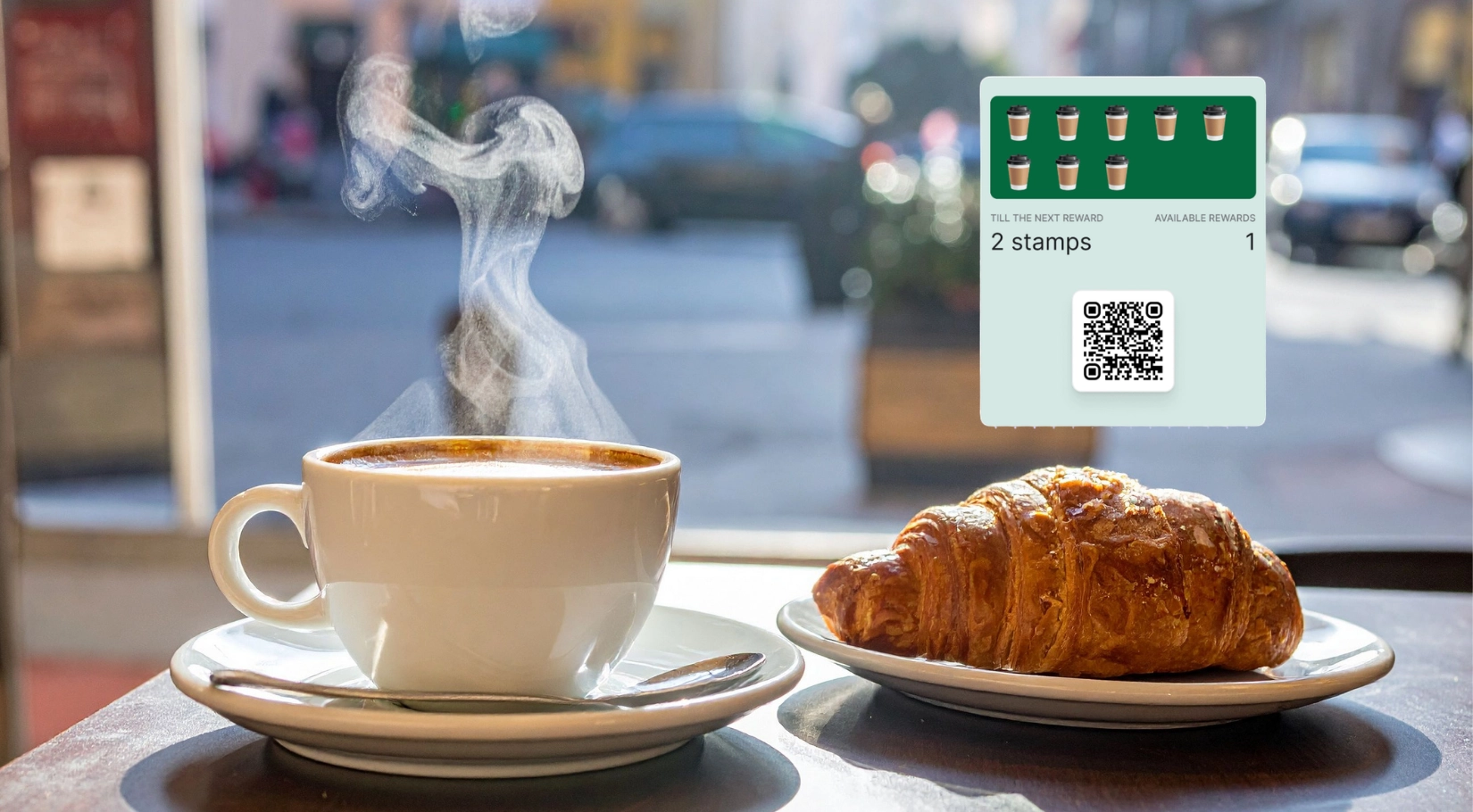
Some POS systems allow you to collect customer information such as phone numbers or visit history, which makes it easier to run loyalty programs, reward repeat customers, or send promotions. Over time, this feature helps increase repeat visits and customer lifetime value.
When choosing a restaurant POS system, it’s easy to get distracted by long feature lists. The key is to separate features you need to operate your restaurant from day one from features you can add later as you grow.
What are the Different Types of Restaurant POS
1. Traditional (On-Premise) Restaurant POS Systems
Traditional POS systems are installed on fixed hardware inside the restaurant, usually with a server on-site. These systems are often used by large restaurants or chains with complex operations. While they can be powerful, they are usually expensive to install, require ongoing maintenance, and are harder to access remotely. Any updates or issues often need technical support on-site, which can slow things down.
2. Cloud-Based Restaurant POS Systems
Cloud-based POS systems store your data online instead of on a local server such as Syrve. Orders, payments, and reports are synced in real time and can be accessed from anywhere through a web dashboard. Cloud-based POS systems are popular with modern restaurants because they areeasier to set up, simpler to update, and gives owners visibility even when they’re not on-site. Most new restaurants today choose cloud-based systems because they scale easily as the business grows.
3. Smart POS Systems
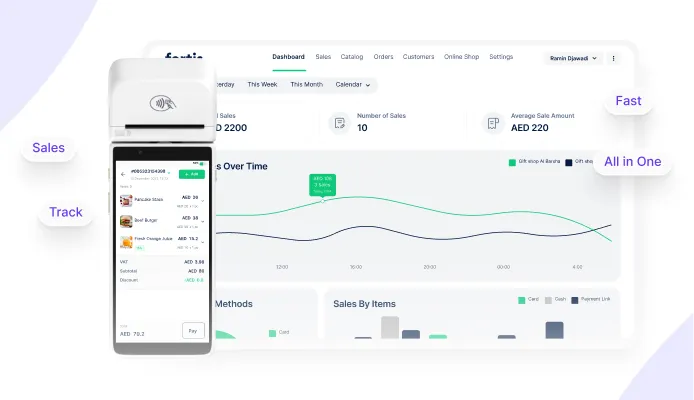
While full restaurant POS systems are essential for dine-in operations, not every food business needs the same level of complexity. Smaller formats like cafés, kiosks, food trucks, and pop-ups often benefit from lighter solutions such as Fortis SmartPOS, which combine ordering and payments in a single compact device.
Some POS systems run directly on smart card machines or mobile devices such as Fortis SmartPOS. These allow staff to take orders and accept payments from anywhere at tables, outdoors, or during peak hours.
What Mistakes Should Restaurant Owners Avoid When Choosing a POS System?
Choosing a POS system is often one of the first major technology decisions restaurant owners make. The problem is not that owners choose the “wrong” system, it’s that many choose a system that doesn’t match the reality of their operations.
Below are some of the most common mistakes experienced restaurant owners say they wish they had avoided.
1. Choosing a POS That is Too Complex for Day-One Operations
Many first-time owners assume that more features mean a better system. In reality, overly complex POS setups often slow staff down, especially during peak hours. Systems designed for large restaurants can introduce unnecessary screens, workflows, and steps that don’t add value to small or mid-sized operations.
A POS should simplify service, not make staff think harder during busy moments.
2. Paying for Features That Will Never Be Used
Traditional restaurant POS systems often bundle advanced features such as deep inventory forecasting, complex kitchen routing, reservations, and multi-branch management. While these tools are powerful, most small restaurants, cafés, and food businesses use only a fraction of them. A complex POS system leads to higher monthly fees and unnecessary hardware costs for features that never become part of daily operations.
3. Ignoring Cash and Non-Card Payment Tracking
Some restaurant owners focus only on card payments and treat cash as an afterthought. When cash sales are not properly recorded in the POS, reports become unreliable and reconciliation becomes stressful. A good POS system should make it just as easy to record cash payments as card payments, ensuring sales data remains accurate and complete.
4. Underestimating the Importance of Staff Training
A POS system may look powerful in a demo but become frustrating in real service if staff struggle to use it. Long training times, complex permissions, and confusing layouts increase errors and slow down onboarding of new employees. In restaurants with high staff turnover, ease of training is just as important as functionality.
5. Choosing Hardware That Doesn’t Fit the Space
Counter space is limited in most restaurants, especially in cafés, food trucks, kiosks, and pop-ups. Large POS screens, printers, cables, and routers can quickly clutter a small service area. Many owners realise too late that their POS hardware physically doesn’t fit the way their restaurant operates.
6. Overthinking Scalability Too Early
Planning for growth is important, but many owners over-invest in systems designed for a future version of the business that may never materialise. Paying for multi-location capabilities, advanced reporting, or complex integrations before they’re needed often adds cost and complexity without delivering immediate value. It’s usually better to start with what you need today and upgrade when growth demands it.
7. Not Testing the POS in Real Service Conditions
Some owners choose a POS based on sales demos alone. What works in a quiet demo environment can feel very different during a lunch rush. Without testing how fast orders can be entered, how quickly payments are processed, and how the system behaves under pressure, owners risk choosing a POS that struggles during peak service.
Elevate Your Restaurant Experience with Fortis Table Pay
As restaurants evolve, the POS is no longer just about what happens behind the counter, it’s also about the guest experience at the table.
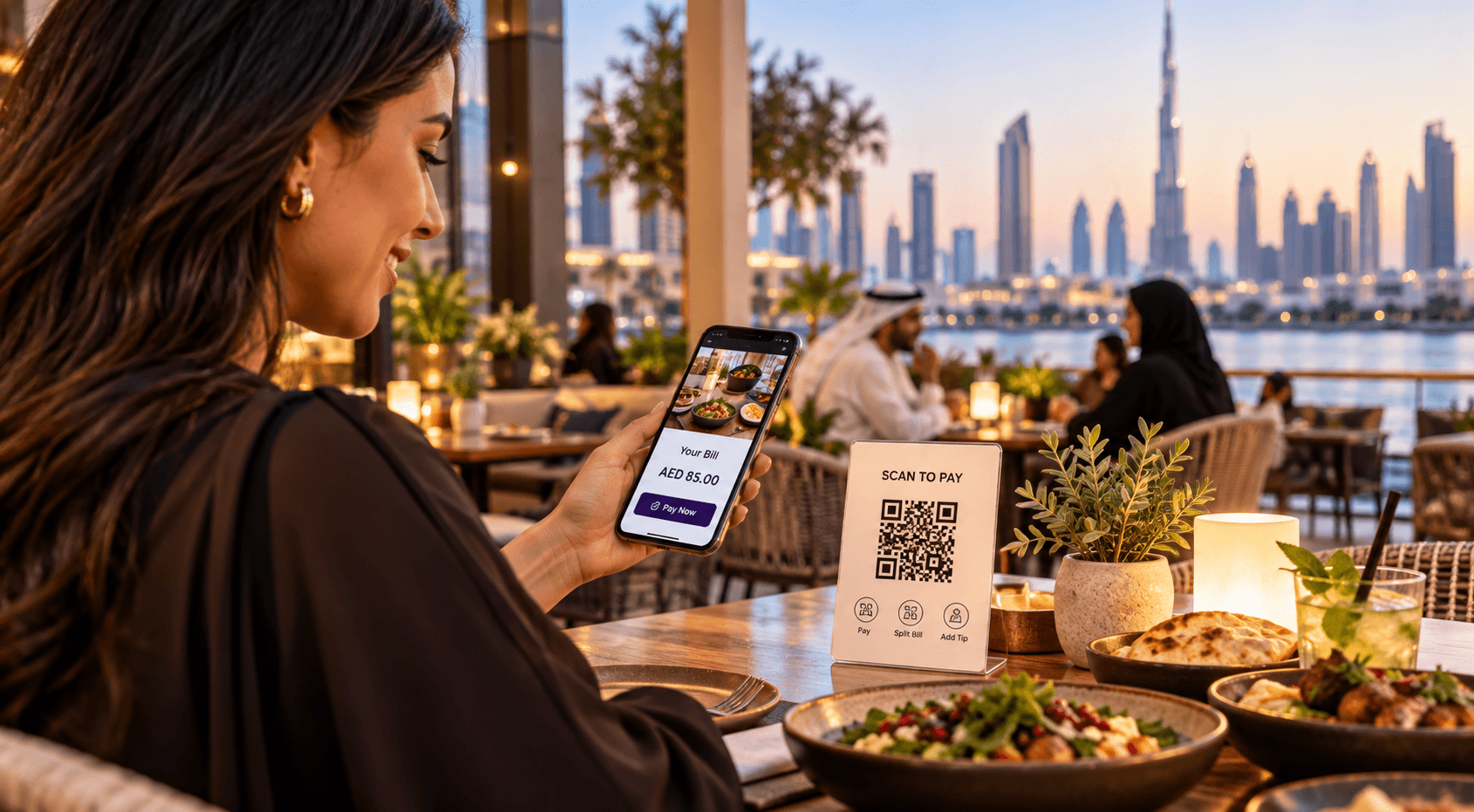
Fortis Table Pay allows dine-in guests to scan a QR code at their table to view the menu, check their bill, split payments, add tips, and pay directly from their own phones without downloading an app or waiting for staff. Payments are instantly synced with your POS, so orders are closed automatically and sales data remains accurate.
Table Pay leads to faster table turnover, fewer payment bottlenecks, and less pressure on staff during peak hours. For guests, it means control, convenience, and a smoother end-to-end dining experience, especially for groups that want to split bills easily.
Fortis Table Pay works alongside your existing POS setup, enhancing it rather than replacing it. Whether you run a casual dining restaurant, a busy café with table service, or a venue where speed and guest satisfaction matter, Table Pay helps modernise the payment experience while keeping operations simple.