.svg)


.svg)

.jpeg)


Table of Contents
Fortis POS V.1.4 - September 2024
1. Managing and Creating Orders is Easier and Faster
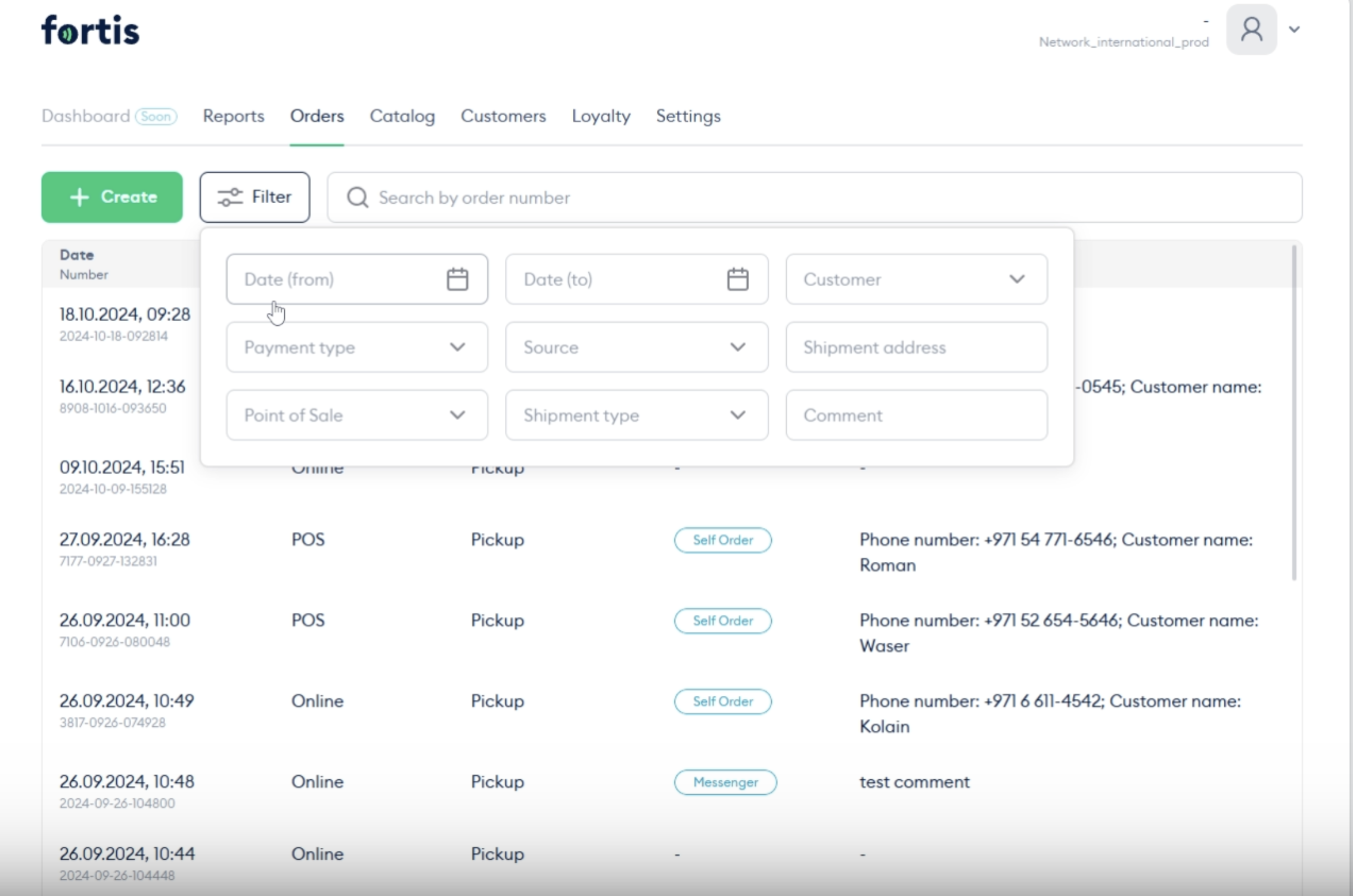
Use filters to manage orders
You can now easily manage your orders by using various filters such as:
- Date
- Payment type
- Customer name
- Source
- Shipment type
- POS
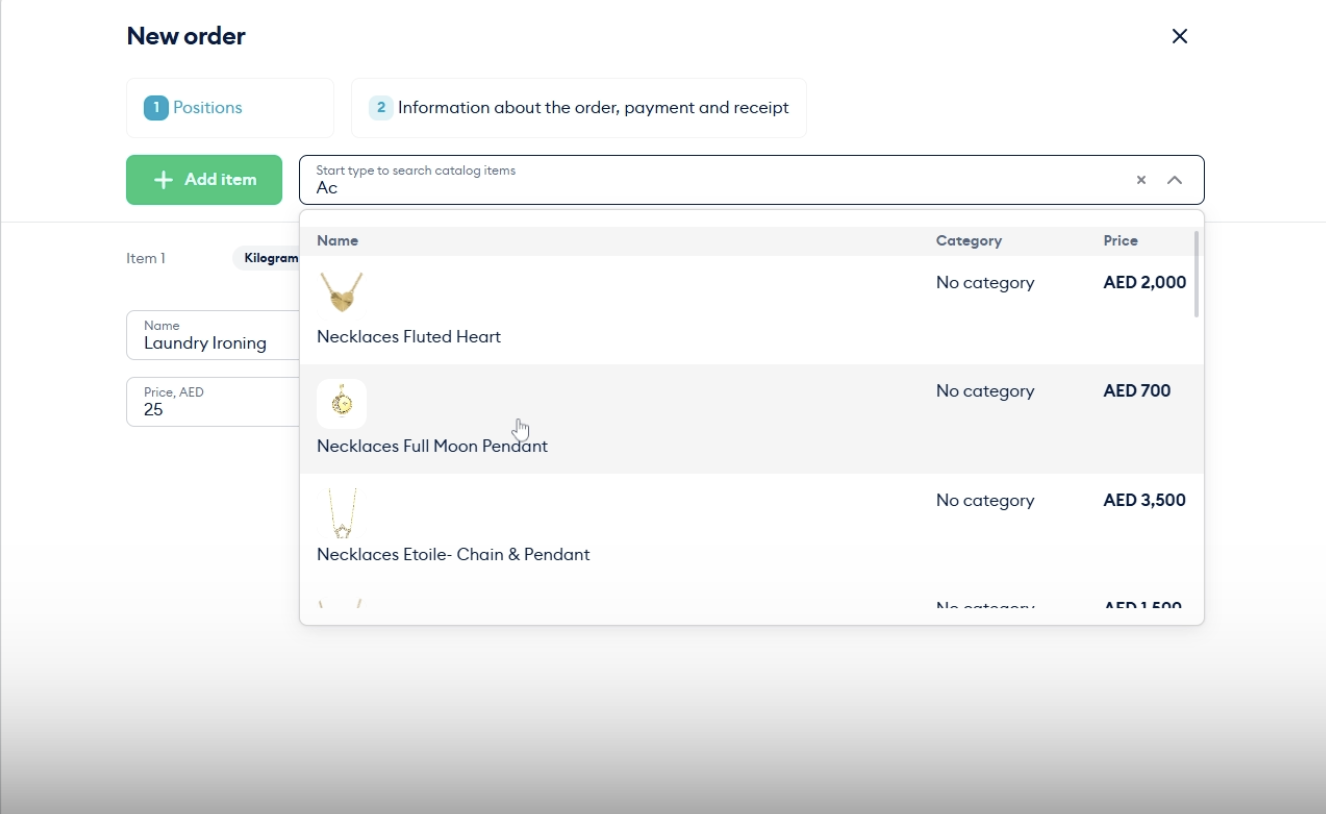
Create orders faster with search functionality
What if you have a large amount of products in your catalog? We have added search functionality, so when you are creating an order, you caan easily add a product without extensive scrolling.
2. Loyalty Programs Got an Upgrade
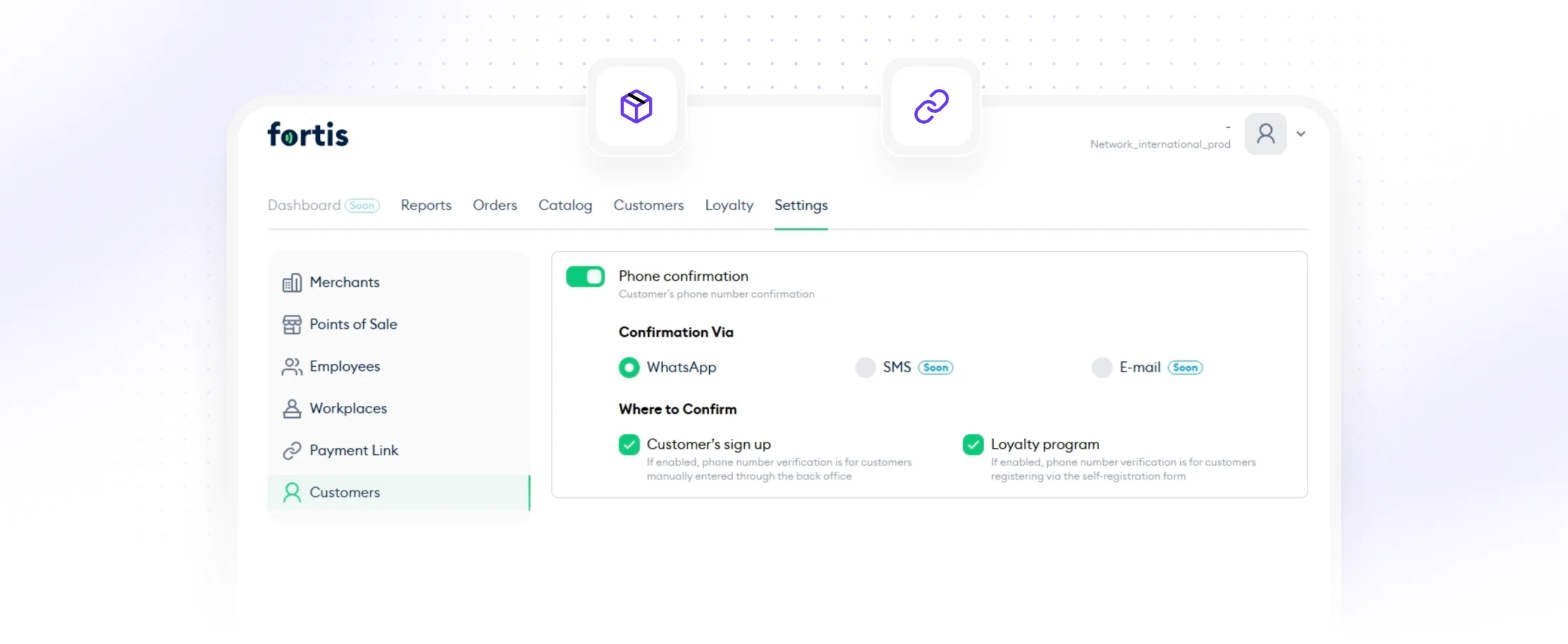
Register customers to the loyalty program without phone number
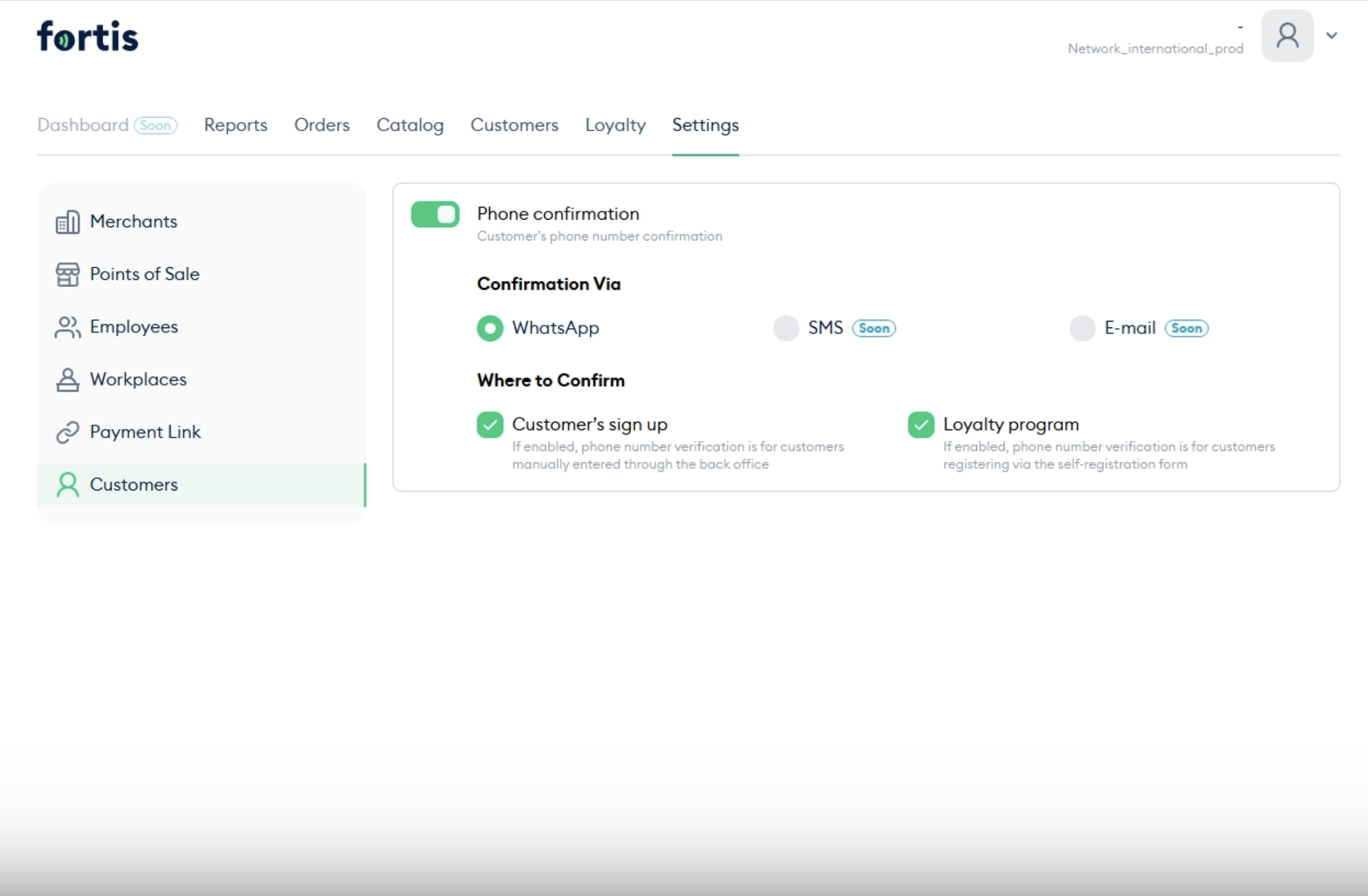
You usually require mobile phone verification to register customers for loyalty programs, but we have given you the flexibility to choose whether to make phone number verification mandatory when registering new customers in the loyalty program or adding them to the CRM. This feature gives more flexibility in setting up the registration process and allows you to adapt the system to your business needs.
Manage loyalty programs through business workspace
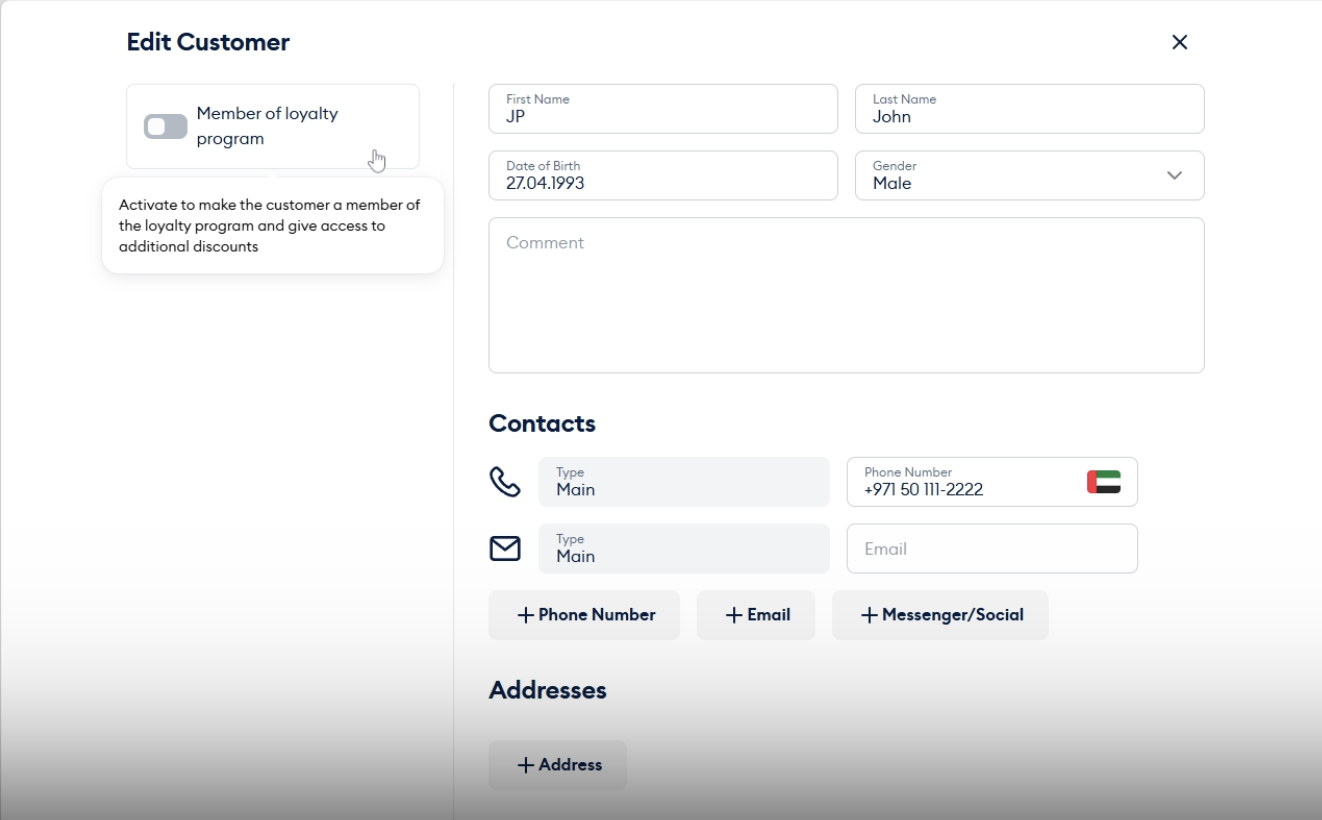
Now you can subscribe customers to loyalty program directly from their profile without going to the loyalty program section.
3. Apple Pay Activation
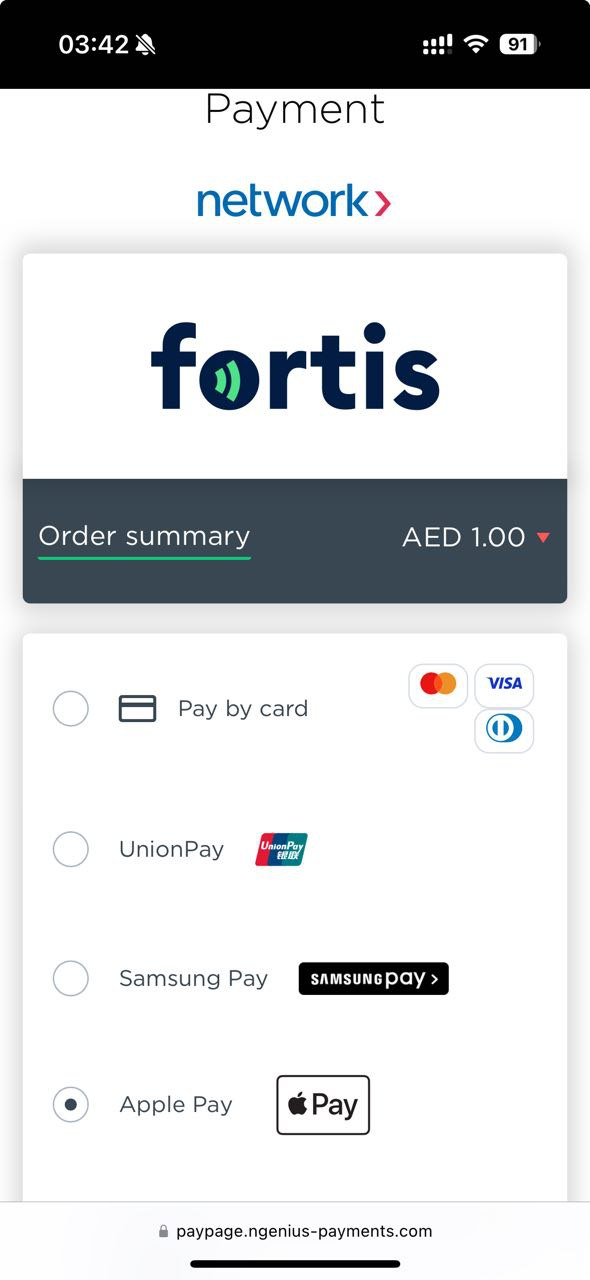
We now also support the popular method, Apple Pay, so your customers can easily pay in any way they wish to.
4. Send Customers Payment Requests on Mail
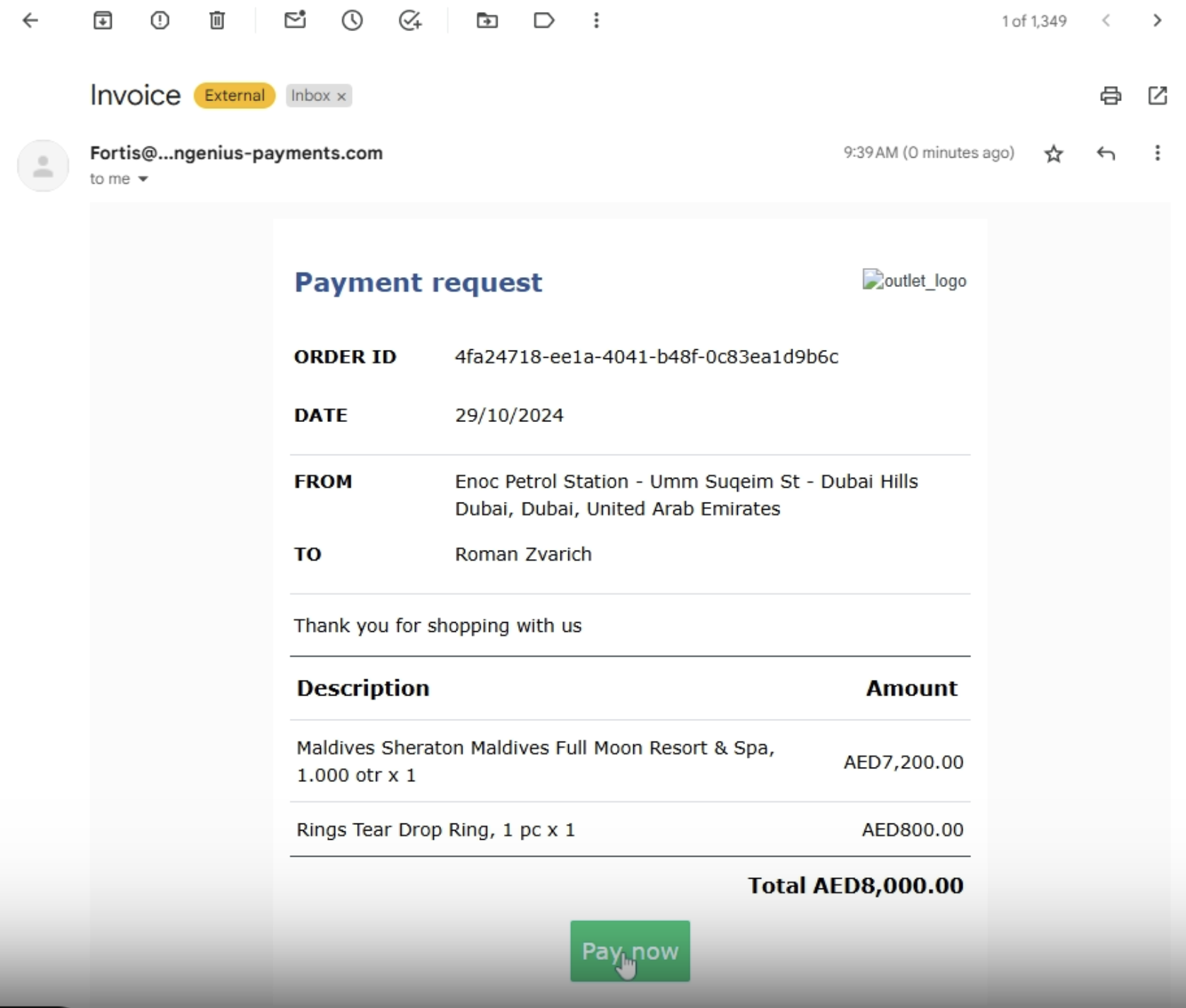
Got an online order? Now just create an order from the business workspace and Fortis will automatically send an email to the customer requesting the payment. No need to send them payment links separately.
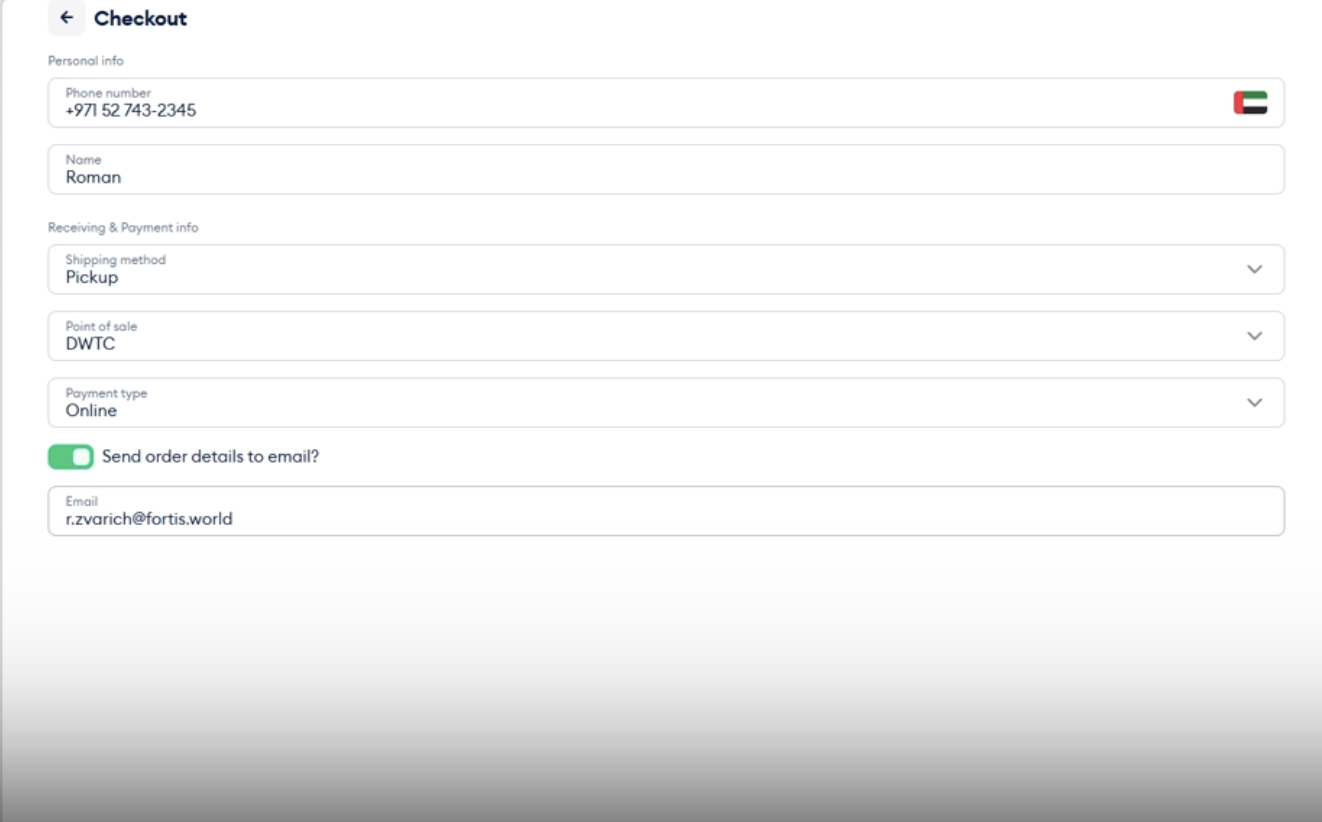
Customers can also choose to recieve order details on email when they shop from your online catalog.
5. Easily Decline a Payment Link
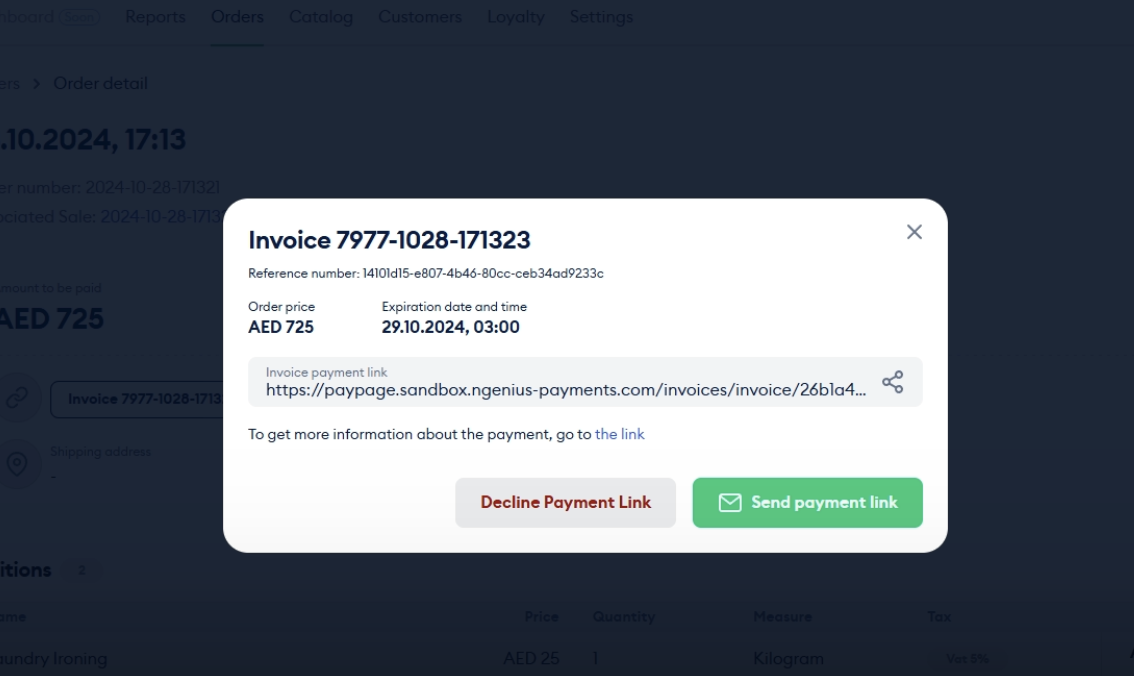
Created a payment link by mistake? Now, you can easily deactivate it.